When a med cart breaks in a nursing home you serve, the request comes straight to your pharmacy.
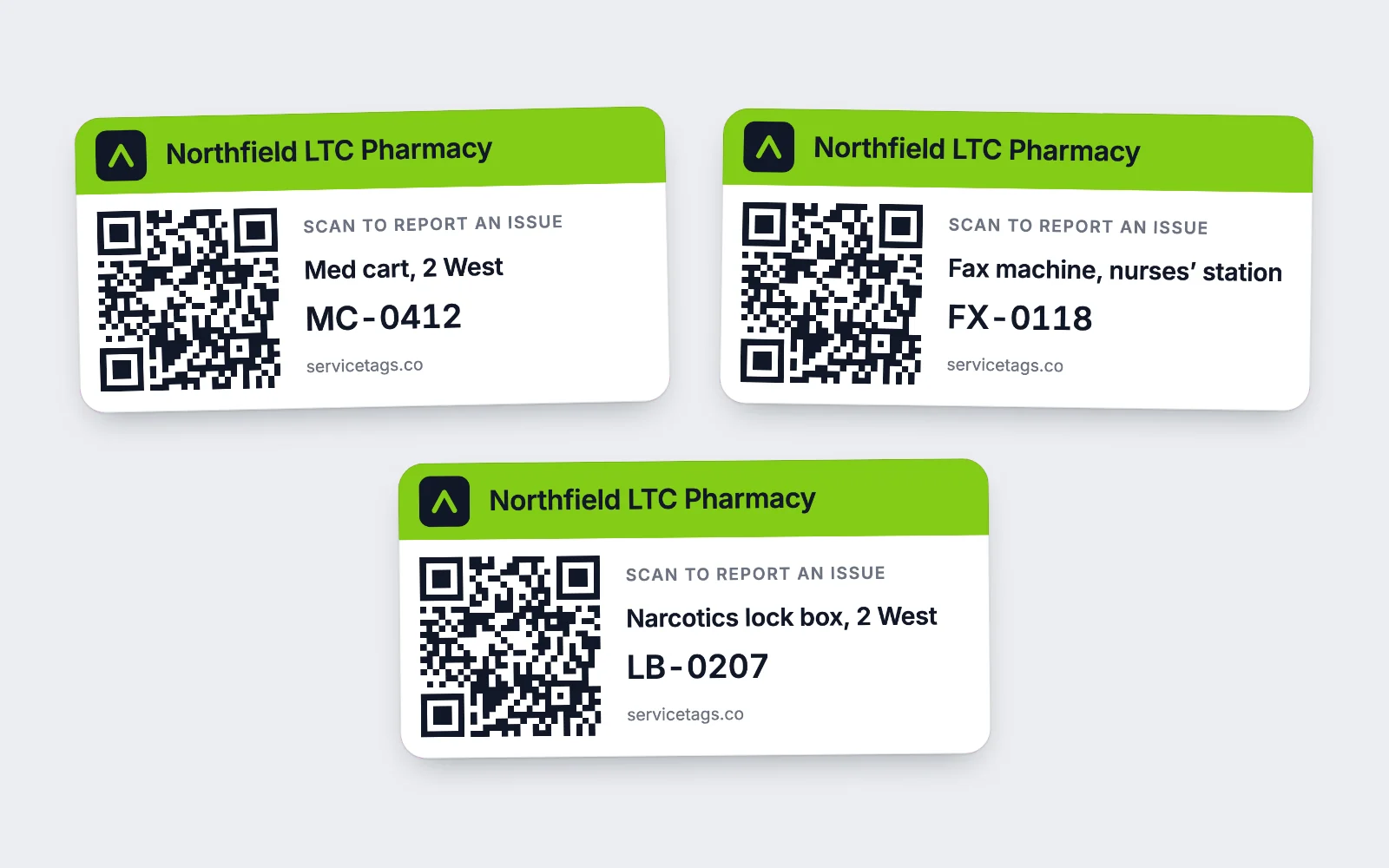
Put a QR tag on every cart, fax machine, e‑kit and lock box you place. A nurse or med tech scans it with a phone camera, picks what’s wrong, and the request goes to the team that covers that facility. No app to install, and no more calls to your main line.
 Key broken · Sent to Midwest team
One regional LTC pharmacy handled nearly 6,000 repair requests on ServiceTags between March 2022 and November 2026. High‑priority requests close in a median of 1.4 hours.
- repair requests handled
- ~6,000
- median close, high priority
- 1.4 h
How do nursing home staff report a broken med cart to the pharmacy?
They scan the tag on the cart. The phone opens your pharmacy’s request form for that one cart, with nothing to download and no account to make. They pick the problem and send it. Before anyone at your pharmacy reads it, the request already says which cart, which facility and which team.
Scan the tag.
Any phone camera works. The page shows your pharmacy’s logo, so staff know whose cart it is.
Pick what’s wrong.
You name the forms the way your staff talk. One LTC pharmacy runs a "Med Cart Maintenance Request", a "Fax machine maintenance request" and an "Emergency request".
It reaches the right team.
The request goes to the team that covers that facility by email, text or push, and escalates if nobody picks it up.
If the cart already has an open request, staff see it first and can follow that one instead of filing the same broken lock five times.
See exactly what staff see when they scanMed Cart Maintenance Request
Cedar Ridge Care Center · 2 West · MC-0412
What’s wrong with this cart?
What can an LTC pharmacy put a tag on?
Anything your pharmacy owns that sits in a facility and can break. Each facility includes 25 tagged assets, pooled across your account, so the lock boxes and e‑kits can carry tags along with the carts.
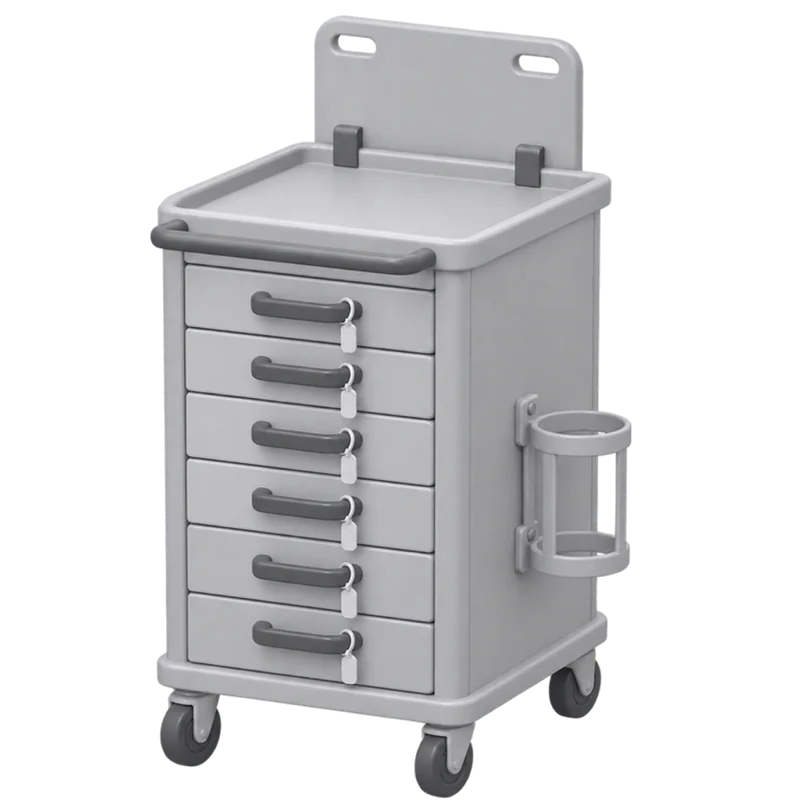
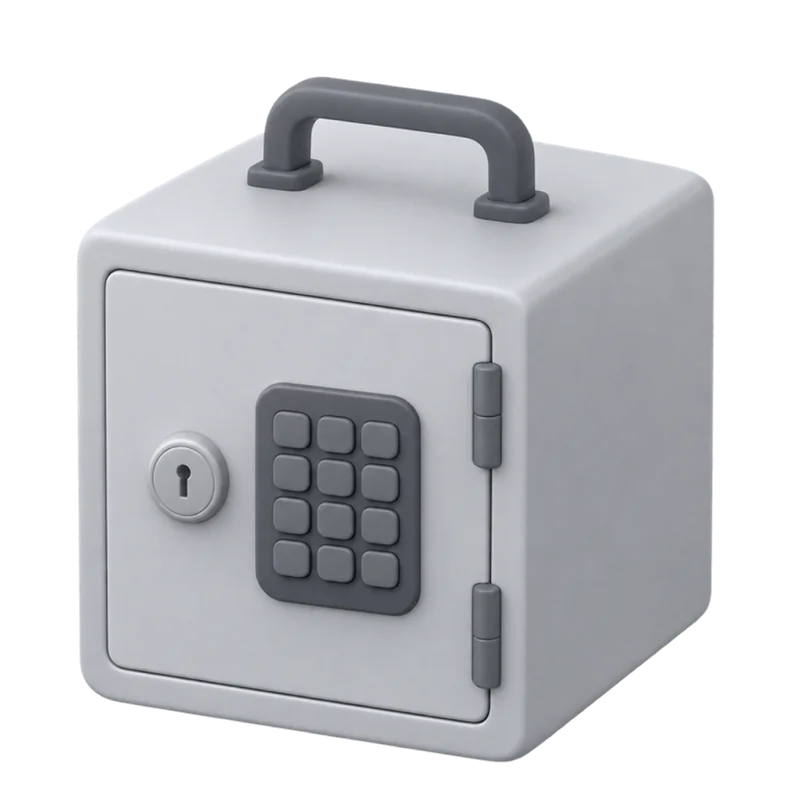
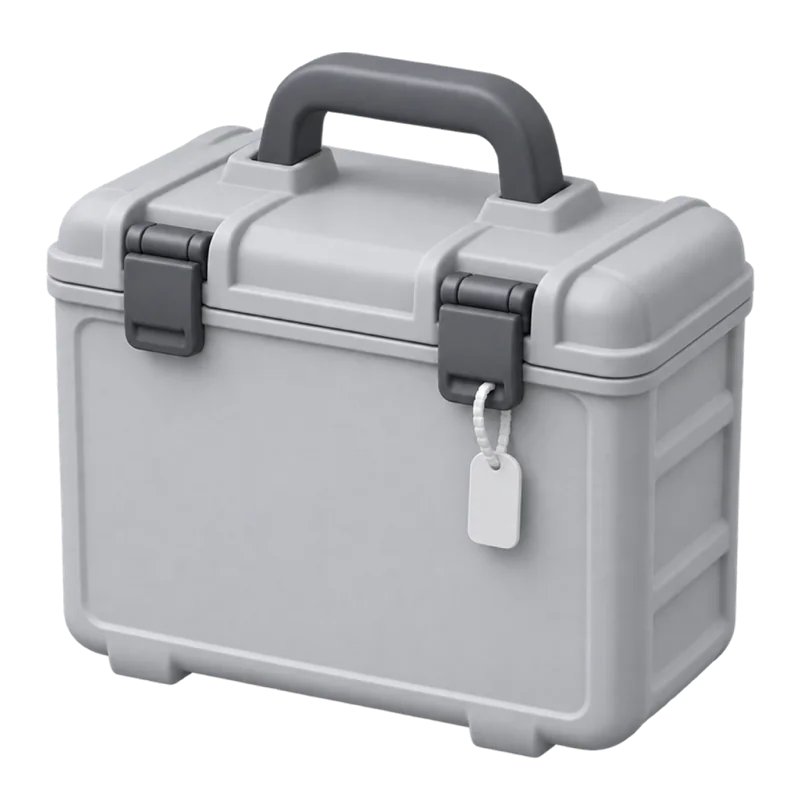
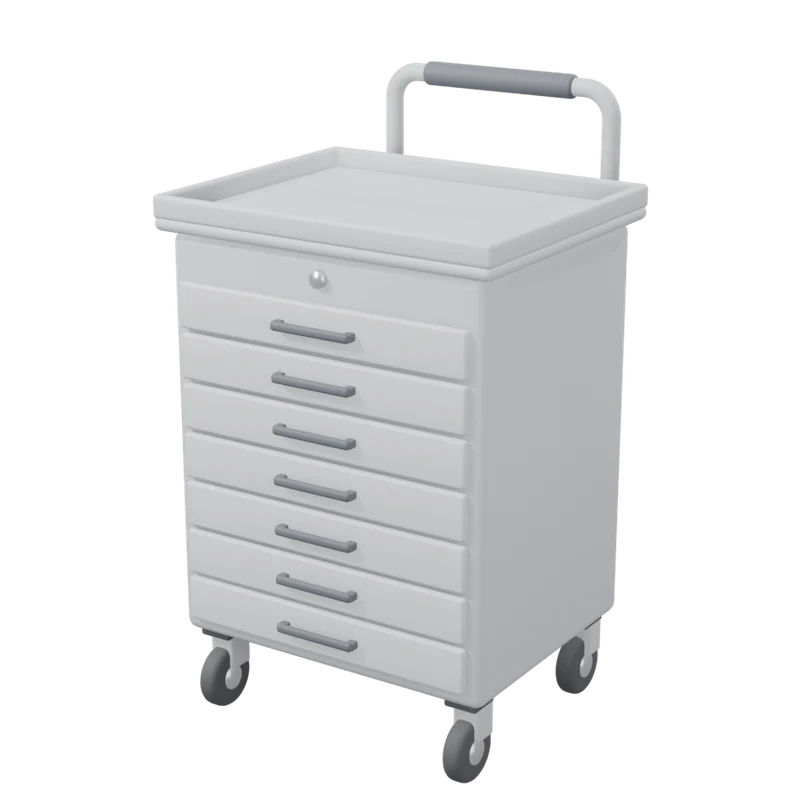
- Med and treatment carts
- Keys, locks, drawers, casters
- Crash and IV carts
- Locks, drawers, restocking
- Fax machines
- Paper jams, toner, orders that won’t go through
- E‑kits and dispensing cabinets
- Seals, keys, restocking
- Lock boxes
- Narcotics and fridge lock boxes: keys, combinations
- Laptop arms and scanners
- Loose brackets, scanners that won’t read
What breaks most often?
Keys and locks, by a wide margin. In one LTC pharmacy’s requests, broken, missing and stuck keys come up more than anything else. Drawers and cabinets come next, then supplies. Put those choices first on the form and the tech knows to bring a lock cylinder and key blanks before driving out.
- 1Keys and locks
- 2Drawers and cabinets
- 3Supplies
Nursing home staff can’t always tell whose cart is whose.
One hallway can hold your med cart, a crash cart the facility owns and an oxygen concentrator from another vendor. Staff report whatever looks like the pharmacy’s. One regional LTC pharmacy gets requests titled "Not our cart" and "Wrong pharmacy", and toner complaints about fax machines it never placed.
A tag with your name on it settles the question in the hallway. Staff can see the cart is yours before they report it, and the report comes to you instead of whoever they guessed.
One queue, routed by facility.
How does each request reach the right team?
By facility. Each nursing home you serve belongs to one of your teams, split by region or however you divide the work. A request from that building goes to that team by email, text or push, and escalates if it sits open. Emergency requests can follow a rule of their own.
Scan from
Cedar Ridge Care Center
- Midwest team96 facilities
- Texas team71 facilities
- Southeast team121 facilities
One regional LTC pharmacy closes high‑priority requests in a median of 1.4 hours.
Can our reps and pharmacy staff file requests too?
Yes. A rep can file for a facility during a visit, and pharmacy staff can file from the pharmacy. Their requests land in the same queue as the scans and route the same way. At one regional LTC pharmacy, about 38% of all requests come from its own people.
- Key broken or missingCedar RidgeScan
- Fax won’t send ordersWillow BendRep
- Restock e‑kitOak HollowPharmacy
- Drawer won’t lockMaple CourtScan
What does the facility see when it’s fixed?
The tech records what they found and what they did, and the request closes. Staff can follow it from the page they reported on, and a form rule can email them when it’s done. Every cart keeps a dated history, so when a director of nursing asks what happened to the cart on 2 West, you can show them.
MC-0412 · history
- Oct 28Drawer won’t lock. Replaced lock cylinder.
- Aug 14Key missing. Cut two new keys.
- May 02Caster broken. Swapped front caster.
What does ServiceTags cost an LTC pharmacy?
From $500 a month, including your first 25 facilities. You pay for the facilities you serve, not for seats, so every dispatcher, tech and rep can be on it.
From
$500a month
including your first 25 facilities
- Lower per-facility rates as you add more
- 25 tagged assets per facility included, pooled across your account
- Unlimited users and requests
- Durable tags $2 each, free shipping on 50 or more. Or print your own on standard label sheets
- 60-day pilot on 10 to 25 facilities: $1,000, setup included
What LTC pharmacies ask first.
How do nursing home staff report a broken med cart to the pharmacy?
They scan the QR tag on the cart with a phone camera and pick what’s wrong. There’s no app and no login. The request goes to the team at your pharmacy that covers that facility, already tied to that cart.
Do nurses and med techs need an account?
No. They never sign up, download anything or remember a password.
Does it work for fax machines as well as carts?
Yes. Anything you own in a facility can carry a tag, and each kind of equipment can have its own form. A fax machine opens a fax request; a med cart opens a cart request.
Our reps already handle this. Why change?
Keep them. Reps file in the same queue, so their requests get tracked and routed too.
Does it show where a cart is right now?
No. ServiceTags records which facility each asset belongs to, its status and its history. It isn't GPS.
What does setup involve?
We import your facilities and equipment, route each facility to its team and ship your tags. Your team pairs each tag to its asset in the app and sticks it on.
What counts as a facility?
Any care facility where you have at least one tagged asset. Your own pharmacies, offices and warehouses are free.
Is there a free trial?
No. You start with a 60-day pilot on 10 to 25 facilities for $1,000 flat, setup included. Tags are $2 each. If you sign for a year, the $1,000 comes off the first year's bill.
See it with your own facilities.
Bring a list of the nursing homes you serve and what you've placed in them. On a 30-minute call, we'll look at how your teams split those facilities and route a test request end to end. If it fits, start with a 60-day pilot on 10 to 25 facilities for $1,000. We do the setup.
Or scan a demo tag and send a test request.