Every broken cart in every nursing home you serve, reported to the team that fixes it.
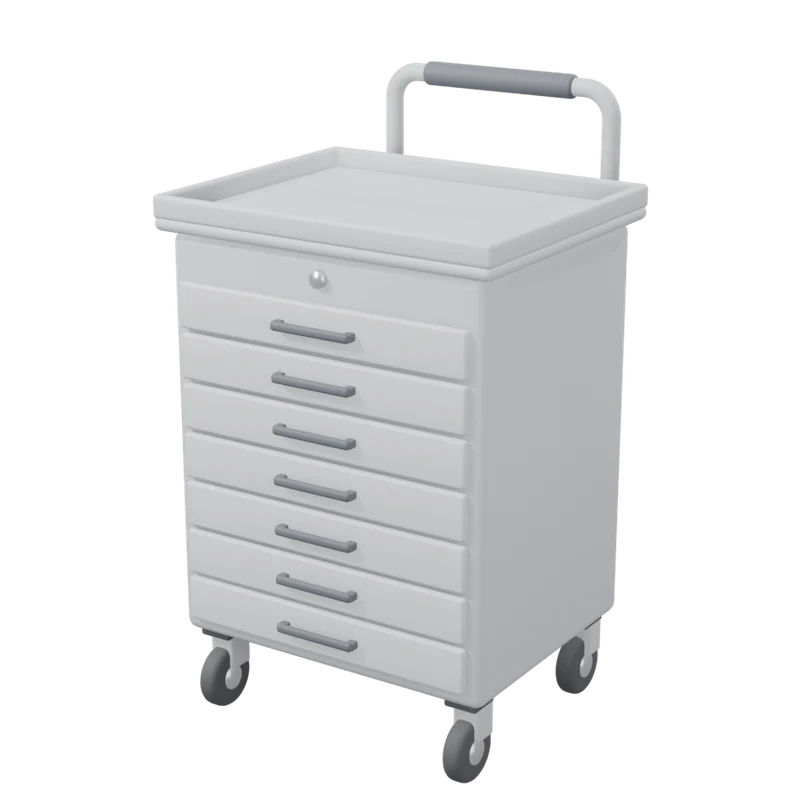
A QR tag on every cart, lock box and e‑kit. Staff scan it, no app or login, and the request lands with the team that covers that facility.
Tap the tag
- repair requests handled
- ~6,000
- median close, high priority
- 1.4 h
One regional LTC pharmacy, since 2022.
One regional LTC pharmacy has handled nearly 6,000 repair requests on ServiceTags since 2022. High-priority requests close in a median of 1.4 hours.
A broken cart reaches you by phone, fax, email or a rep. Eventually.
Meanwhile the drawer still won’t lock, and the facility is counting the days.
Phone
A med tech calls your main line and waits on hold.
Rep
Your rep hears about it on a visit and texts someone.
Dispatch
Dispatch works out which team covers that building.
Email
The email says "cart on 2 West." Which cart?
Meanwhile the drawer still won’t lock, and the facility is counting the days.
A tag on every cart and lock box. Four steps from broken to fixed.
- 01
We set up your fleet.
We import your facilities and equipment and ship tags already linked to each asset. Your team sticks them on: carts first, then lock boxes, e-kits, fax machines and anything else you'd want a request on.
- 02
Staff scan and report.
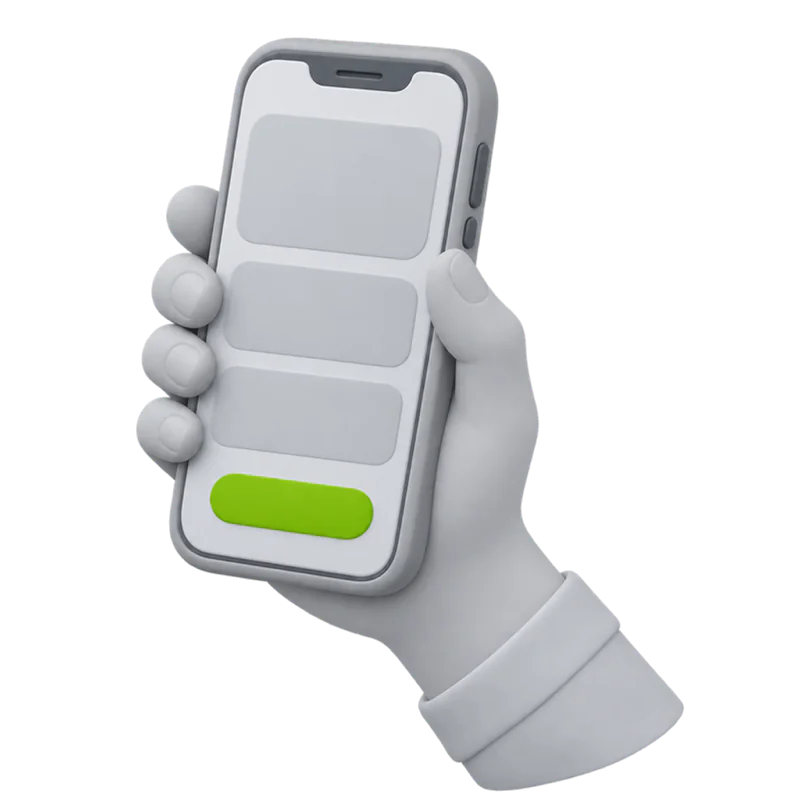
A nurse or med tech points a phone camera at the tag and picks what's wrong. If they can take a photo, they can file a request.
- 03
It reaches the team that fixes it.
Each facility belongs to one of your teams, split by region or however you divide the work. The request goes there by email, text or push, and escalates if nobody picks it up.
- 04
You close it out.
The tech records what they found and fixed. If the reporter left an email, they hear back when it's done.
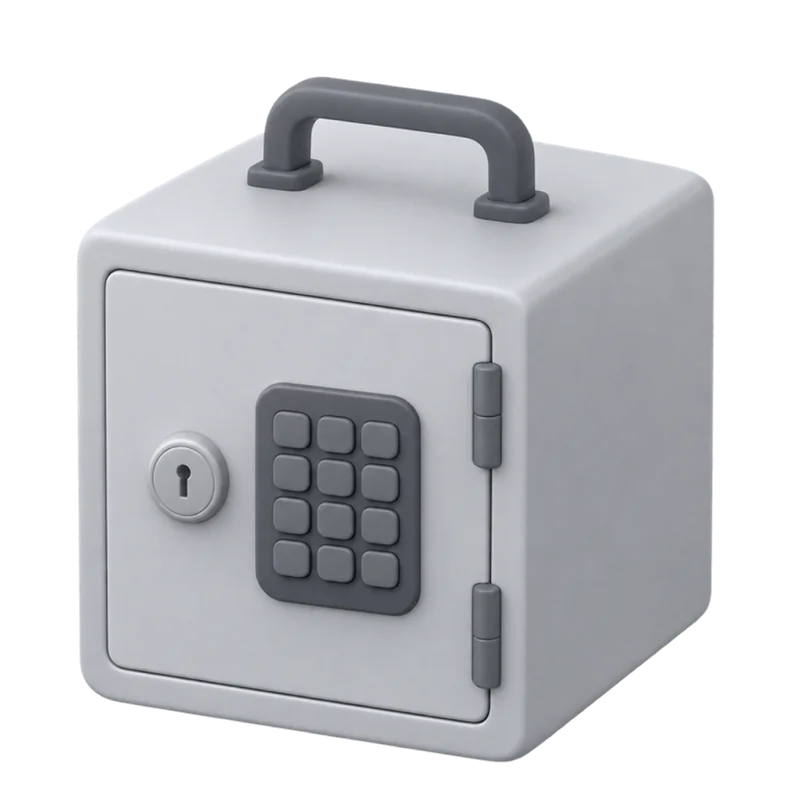
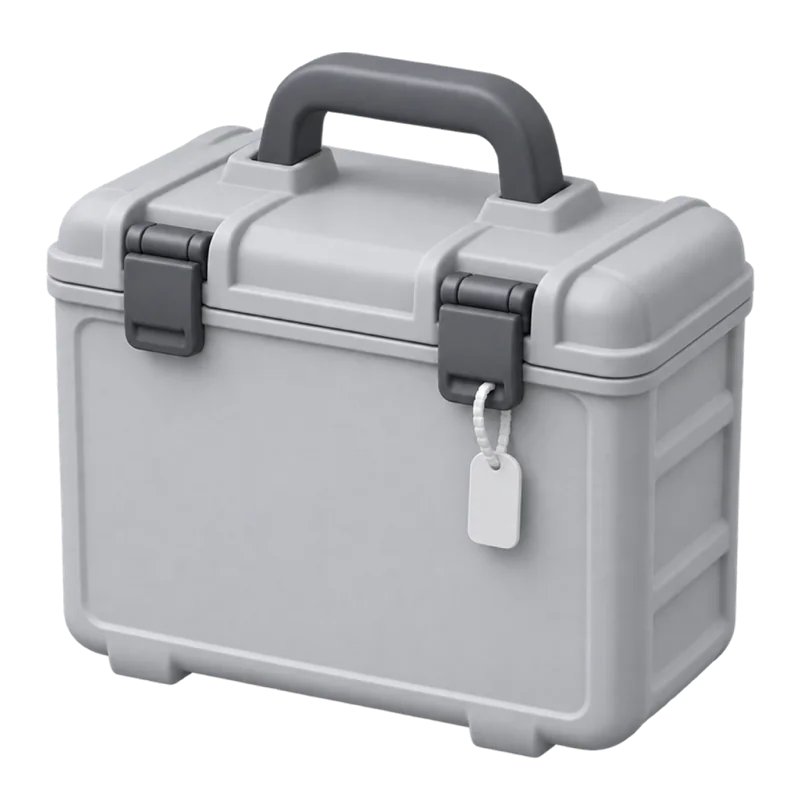 LB-0745 · LinkedEK-0331 · Linked
Step 1
We set up your fleet.
We import your facilities and equipment and ship tags already linked to each asset. Your team sticks them on: carts first, then lock boxes, e-kits, fax machines and anything else you'd want a request on.
 Sent · #6255
Step 2
Staff scan and report.
A nurse or med tech points a phone camera at the tag and picks what's wrong. If they can take a photo, they can file a request.
Cedar Ridge Care Center
Midwest Maintenance
Step 3
It reaches the team that fixes it.
Each facility belongs to one of your teams, split by region or however you divide the work. The request goes there by email, text or push, and escalates if nobody picks it up.
Close-out
DoneFound
Lock cylinder worn
Fixed
Replaced cylinder, two keys
Step 4
You close it out.
The tech records what they found and fixed. If the reporter left an email, they hear back when it's done.
One queue, one record, every facility.
Your whole fleet in one place.
Each asset's facility, status and history, as a list or on a map. If a facility wants to know what you have on their floors, you can tell them before the call ends.
MC-0412 · Open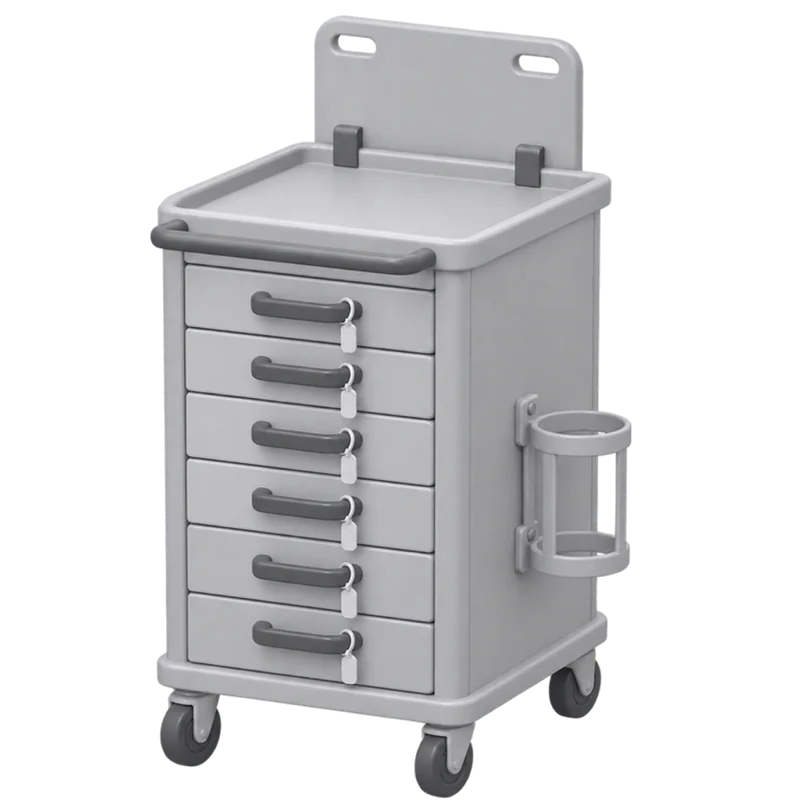 CC-0052 · In progressLB-0745 · ClosedEK-0331 · Open
Nothing lost in a rep’s texts.
Facility staff, your reps and your pharmacy staff all file in the same queue. You see everything that's open, whoever filed it.
- Drawer won’t lockScan
- Seal broken on e-kitRep
- Restock lock tagsPharmacy
Proof you can show a facility.
Every cart has a dated history: what was reported, who took it, what was found and what was done. When a facility asks what happened to their cart, you can show them.
- Oct 28Drawer won’t lock. Replaced lock cylinder.
- Aug 14Caster broken. Swapped front caster.
- May 02Key missing. Cut two new keys.
One trip, not two.
Techs see what's wrong before they drive out, so they bring the right part. On site, they scan the same tag to open the request and its history. No signal in the med room? Their updates save on the phone and send when they're back in range.
A nursing home is full of other people’s equipment.
Staff can’t always tell whose is whose, so they guess. Your tag tells them, and sends the report to you.
- Med cartYours
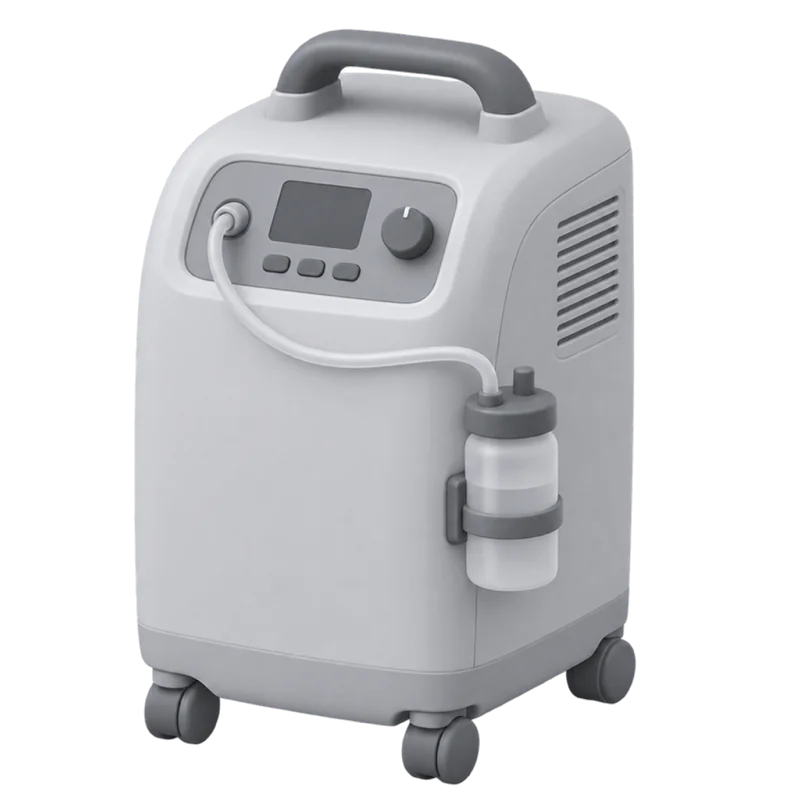 Oxygen concentratorThe oxygen supplier
- E-kitYours
- Crash cartThe facility
Priced per facility. Unlimited users.
You pay for the facilities you serve, not for every item you tag or every person who needs to see a request. So tag the lock boxes and e-kits along with the carts, and add every dispatcher, tech and rep. Nobody gets left off a request to save a seat.
From
$500a month
including your first 25 facilities
- Lower per-facility rates as you add more
- 25 tagged assets per facility included, pooled across your account
- Unlimited users and requests
- Tags $2 each, free shipping on 50 or more
- 60-day pilot on 10 to 25 facilities: $1,000, setup included
What directors ask first.
Will nursing-home staff actually use it?
There's nothing to learn. They point a phone camera at the tag, pick the problem and send it.
Do facility staff need an account?
No. They never sign up, download anything or remember a password.
Our reps already handle this. Why change?
Keep them. Reps file in the same queue, so their requests get tracked and routed too.
What counts as a facility?
Any care facility where you have at least one tagged asset. Your own pharmacies, offices and warehouses are free.
What if we have a lot of equipment in each facility?
Each facility includes 25 tagged assets, pooled across your account. Above that it's $0.15 per asset per month.
Do the tags hold up?
They're wear-resistant, with indoor and heavy-duty options, and they ship already linked to your account.
Does it show where a cart is right now?
No. ServiceTags records which facility each asset belongs to, its status and its history. It isn't GPS.
Who can see the requests?
Only the people you give access to, and every action is logged. Our analytics never record what anyone types.
What does setup involve?
We import your facilities and equipment, route each facility to its team and ship your tags already linked. Your team sticks them on.
Is there a free trial?
No. You start with a 60-day pilot on 10 to 25 facilities for $1,000 flat, setup included. Tags are $2 each. If you sign for a year, the $1,000 comes off the first year's bill.
Not a pharmacy? It works the same way.
Oxygen concentrators, specialty beds, infusion pumps, therapy machines, ice machines. If your equipment lives in nursing homes you don't run, and fixing it is your job, tag it and the requests come to you.
See it with your own facilities.
Bring a list of the nursing homes you serve and what you've placed in them. On a 30-minute call, we'll look at how your teams split those facilities and route a test request end to end. If it fits, start with a 60-day pilot on 10 to 25 facilities for $1,000. We do the setup.
Or scan a demo tag and send a test request.