ServiceTags vs a CMMS, for equipment in facilities you don’t run
MaintainX, UpKeep and other CMMS tools are built for maintenance teams that run their own sites. An LTC pharmacy, or any vendor whose carts and machines sit in nursing homes it doesn’t run, has a different problem. Here’s how they compare, and when a CMMS is the better choice.
Last updated
Who each option fits
Choose a CMMS such as MaintainX or UpKeep if you run the sites, employ the people who fix things and need scheduled preventive maintenance. Choose ServiceTags if your equipment sits in care facilities you don’t run, the people who report problems work for someone else, and each request has to reach the team that covers that facility. ServiceTags does not schedule preventive maintenance. A CMMS does.
ServiceTags fits if
- Your carts, fax machines or other equipment sit in nursing homes and care facilities you don’t run.
- The people who spot a problem are facility staff, not your employees.
- You split facilities across teams or regions, and each request has to reach the right one.
- You’d rather pay per facility than per person, so every dispatcher, tech and rep can see a request.
A CMMS fits if
- You own or run the sites, and your own technicians do the work.
- You need preventive maintenance scheduled by date or meter reading.
- You want procedures, parts inventory and purchasing in the same tool.
- Most requests come from your own coworkers, who can get free requester accounts.
Side by side
| ServiceTags | MaintainX and UpKeep | |
|---|---|---|
| Built for | Vendors whose equipment sits in care facilities they don’t run | Maintenance teams running their own plants, buildings and properties |
| Who files requests | Facility staff by scanning a tag, plus your reps and your own staff, in one queue | Coworkers with free requester accounts, or anyone through a public request portal |
| Reporting with no app or login | Included. Staff scan the tag with a phone camera. | Through a request portal. MaintainX: Premium and Enterprise. UpKeep: Professional and Enterprise. |
| Before work starts | The request goes straight to the assigned team | An administrator approves or declines each request (MaintainX). Requests become work orders once approved (UpKeep). |
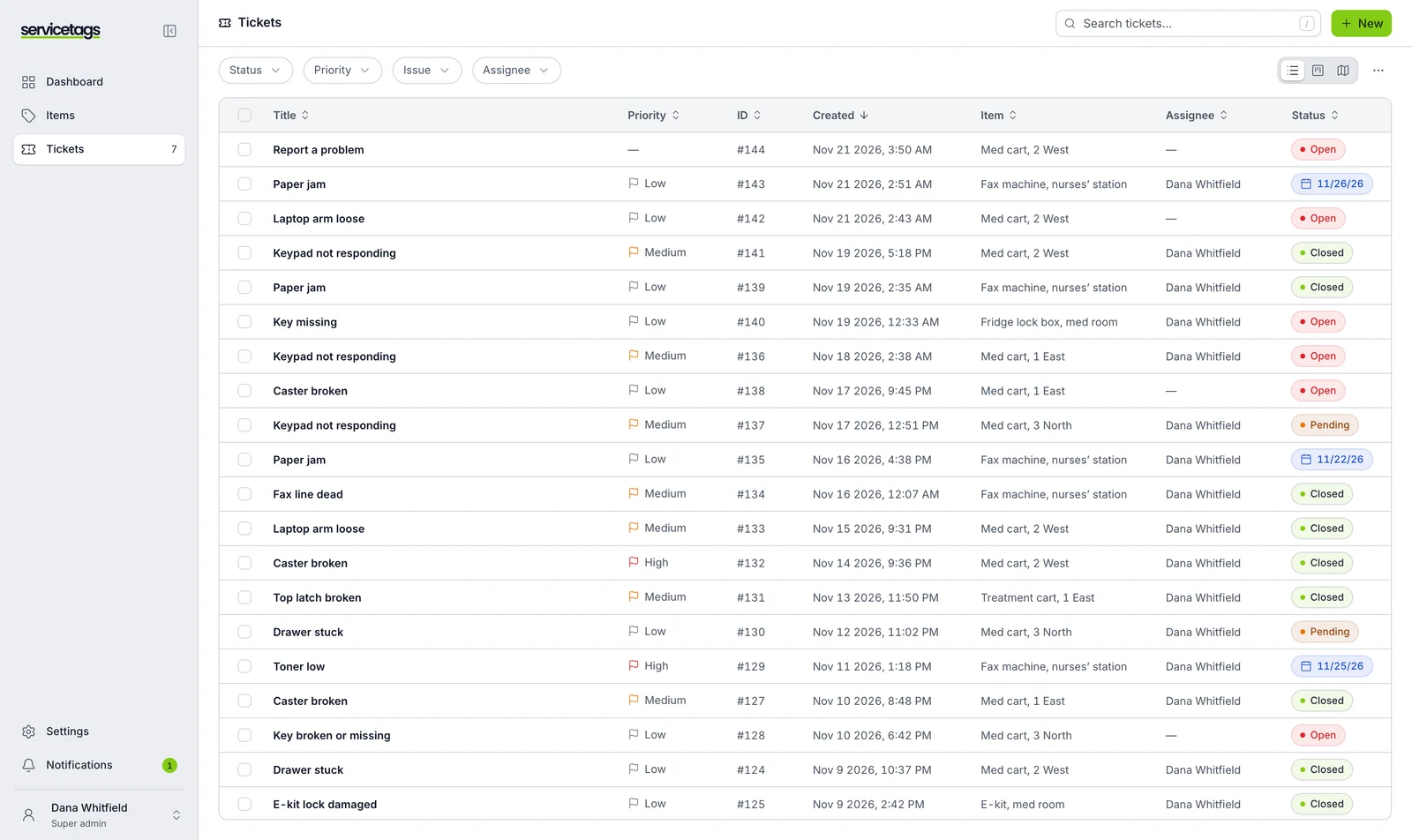
| Routing | Each facility belongs to one of your teams. The request goes there by email, text or push, and escalates if it sits. | MaintainX: the requester picks a team (Premium and up). UpKeep: workflow rules can assign by location. |
| Priced by | Facility. Unlimited users and requests. | User who works requests. Requester accounts are free on both. |
| List price | From $500 a month, including your first 25 facilities. Tags $2 each. | MaintainX: $20 or $65 per user a month, billed annually. UpKeep: $24 or $55 per user a month; Professional and Enterprise by quote. |
| Scheduled preventive maintenance | Not offered | Yes, by date or meter reading (UpKeep: Premium and up) |
| QR codes | Durable printed tags, each paired to one asset in the app | Each request portal gets a QR code, for one asset, a location or general use |
| Telling the reporter | Emailed when the request moves, if they left an email | Email updates on status changes. MaintainX: if the requester opts in. |
MaintainX and UpKeep details come from their own pricing pages and help centers, checked November 20, 2026. Plans and prices change, so check the sources at the end of this page before you decide.
What’s the difference between ServiceTags and a CMMS?
A CMMS (computerized maintenance management system) runs a maintenance department. MaintainX calls itself an “AI-powered CMMS and enterprise asset management platform” for managing “multiple plants or facilities”. UpKeep says it helps “maintenance teams manage work orders, assets, and preventive tasks.” Both assume the sites are yours, and so are the technicians.
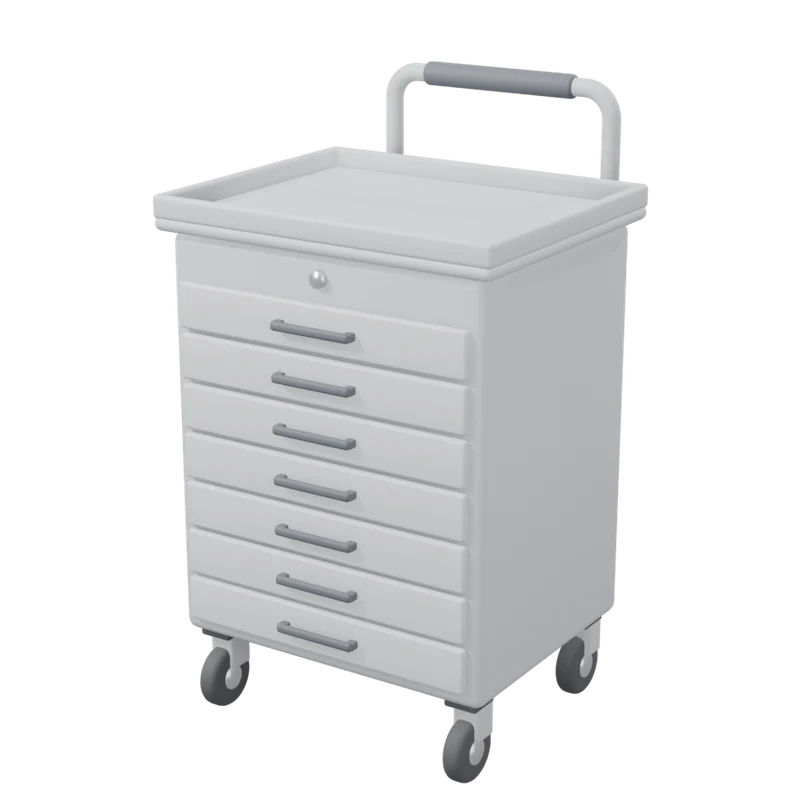
ServiceTags starts from the other side. You’re the vendor. Your med carts, fax machines and e-kits sit in nursing homes that someone else runs, and the people who notice a problem are that home’s nurses and med techs. You need a way for those staff to reach you about one specific piece of equipment, and a queue that sends each request to the team that covers that facility.
Can nursing-home staff report a problem without an app?
With all three, yes, though not on every plan. MaintainX’s request portal lets anyone with the link or QR code submit a request “without logging in”, on its Premium and Enterprise plans. UpKeep’s public request portal does the same on Professional and Enterprise, and requesters track their request through a sign-in link sent by email.
ServiceTags has one plan, and it works this way. Each tag opens a request form for that asset. Staff point a phone camera at it, pick what’s wrong and send it. Nobody has to approve the request before your team sees it.
How does each one get a request to the right team?
A vendor serving hundreds of facilities usually splits them by region. Taking a request is easy. Getting it to the team that covers that building is where phone calls and shared inboxes fall apart.
In ServiceTags, each facility belongs to one of your teams. A request from that facility goes to that team by email, text or push, and escalates if nobody picks it up. In MaintainX, request routing adds an “Assign To” field where the requester chooses the team, on Premium and up. UpKeep can assign requests by location with workflow rules (“anything at the LA site goes to the LA team”), though its pricing page and help center list different plans for that feature.
How is the pricing different?
Both CMMS tools charge per licensed user. MaintainX defines a user as “someone who uses the MaintainX app and has a unique login,” and requester accounts are free. UpKeep works the same way: requesters and view-only users are free, while admins and technicians need a paid license.
ServiceTags charges per facility, with unlimited users. From $500 a month, including your first 25 facilities. Each facility includes 25 tagged assets, pooled across your account, and tags are $2 each.
For scale: twelve dispatchers and techs on MaintainX Premium, the plan that includes the request portal, come to $780 a month billed annually. On ServiceTags those twelve people are included, along with every rep and manager who needs to see a request.
When is a CMMS the better choice?
When you run the building. If your team keeps up the HVAC, kitchens and elevators in sites you operate, a CMMS is the right tool. ServiceTags doesn’t try to be one.
When you need scheduled preventive maintenance. ServiceTags doesn’t schedule recurring work. MaintainX schedules repeating work orders by date or meter reading, and UpKeep schedules PM by time or meter on Premium and up. If calibration or inspection schedules drive your service, you need a tool that does that.
MaintainX also sells a field service add-on, MaintainX for Service, to “run service at customer sites”, priced through sales on Premium and Enterprise. If you already run MaintainX for your own operations, it’s worth asking about.
Questions
Is ServiceTags a CMMS?
No. It handles repair requests and asset records for equipment you place in care facilities you don’t run. It doesn’t schedule preventive maintenance or manage the buildings themselves.
Can we use ServiceTags alongside a CMMS?
Yes. Some vendors keep a CMMS for their own sites and scheduled work, and use ServiceTags for requests that start in a facility. There’s no built-in sync between them, so each request lives in one system.
Do facility staff need an account?
No. They scan the tag with a phone camera, pick what’s wrong and send it. They never download an app or make a password.
How much does ServiceTags cost?
From $500 a month, including your first 25 facilities, with unlimited users and requests. Tags are $2 each. You start with a 60-day pilot on 10 to 25 facilities for $1,000, setup included.
Where do the MaintainX and UpKeep details come from?
From their own pricing pages, product pages and help centers, checked on November 20, 2026. Every page we used is listed under Sources.
Sources
Each page was checked on .
- MaintainX: Pricing
- MaintainX: Home page
- MaintainX Help: Set up a request portal
- MaintainX Help: Work request settings (request routing)
- MaintainX Help: User roles and permissions
- MaintainX: Preventive maintenance
- MaintainX: Field service management
- UpKeep: Pricing
- UpKeep: Home page
- UpKeep Help: Configure the new request portal
- UpKeep Help: The new public request portal
- UpKeep Help: User types, roles and responsibilities
- UpKeep: Work request software
- UpKeep: Workflows
- UpKeep Help: Automated workflows
- UpKeep: Preventive maintenance
See it with the facilities you serve.
Bring a list of the nursing homes you serve and what you’ve placed in them. On a 30-minute call we’ll route a test request end to end, and tell you if a CMMS would suit you better.