QR tag requests vs phone, fax, email and reps
For LTC pharmacies and other vendors with equipment in nursing homes they don’t run: how a broken cart reaches you now, what changes when staff scan a tag instead, and what stays the same.
Last updated
Who each option fits
Phone, fax and email work when you serve a handful of facilities and one person takes every call. QR tag requests fit once you serve dozens of facilities, split them across teams, and get asked to prove a repair happened. You don’t have to give anything up: reps and dispatchers file requests in the same queue as a scan.
QR tag requests fit if
- You serve dozens of nursing homes or more, and requests come in through several channels.
- Your facilities are split across teams or regions, and dispatch spends time working out who covers which.
- Facilities ask what happened to their cart, and you need a dated answer.
- Requests arrive as “the cart on 2 West” and someone has to work out which cart.
Phone, fax and email are enough if
- You serve a few facilities and one person knows every cart by heart.
- Requests are rare enough that none of them get lost.
- Nobody asks you for a service history.
- You don’t want to put a tag on anything.
Side by side
| QR tag request | Phone, fax, email or a rep | |
|---|---|---|
| How staff report it | Point a phone camera at the tag on the cart and pick what’s wrong. No app, no login. | Call the main line, send a fax or an email, or tell the rep on their next visit |
| Which asset | The tag names the exact asset and the facility it’s in | Described in words: “the cart on 2 West” |
| Who gets it | The team that covers that facility, by email, text or push | Whoever answers. Dispatch then works out which team covers that building. |
| If nobody picks it up | It escalates | It waits until someone remembers |
| Telling the reporter | Emailed when the request moves, if they left an email | Only if someone calls back |
| Your reps | File on a facility’s behalf, in the same queue | Carry requests in their heads and their texts |
| Service history | A dated record on each asset: what was reported, who took it, what was found and what was done | Spread across call logs, inboxes, a fax tray and a rep’s phone |
| Cost | From $500 a month, including your first 25 facilities, unlimited users. Tags $2 each. | No software bill. The cost is dispatcher time and repeat trips. |
Why do phone and fax requests get lost?
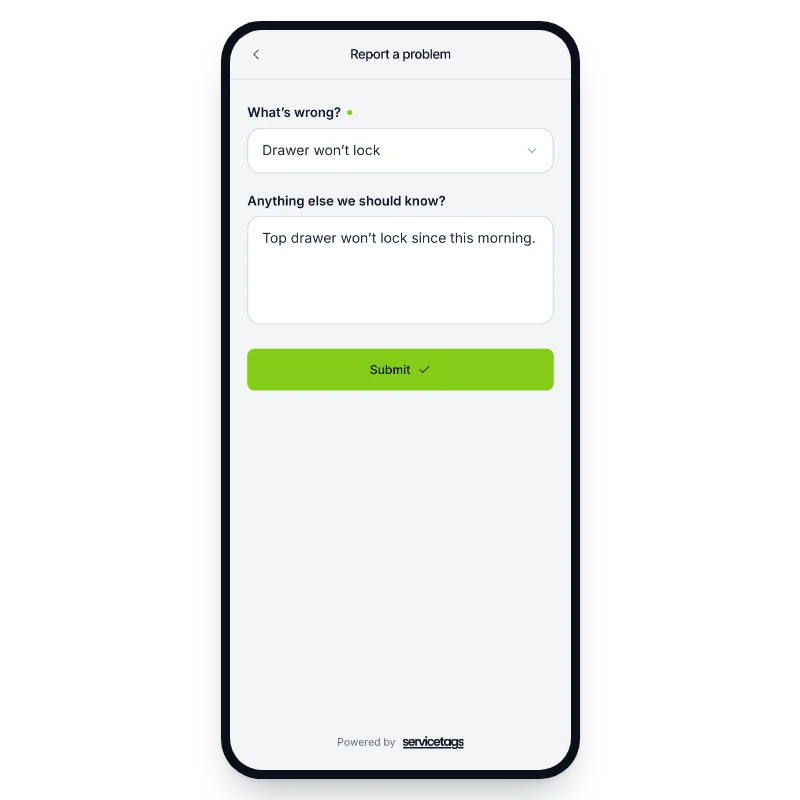
A request from a nursing home has to cross a company line. The med tech who finds the drawer that won’t lock doesn’t work for you, doesn’t know your dispatcher, and may not know the cart is yours. So the request goes wherever is easiest: your main number, a fax, an email, or a word to the rep.
Each of those hands you a description, not an asset. Someone has to work out which cart “the one on 2 West” is, which team covers that building, and whether anyone has already been sent. When the repair is done, nobody tells the nurse who reported it.
Do nursing-home staff actually scan the tags?
They do. At one regional LTC pharmacy, nursing-home staff file about 150 requests a month by scanning a tag. That pharmacy has handled nearly 6,000 repair requests on ServiceTags between March 2022 and November 2026.
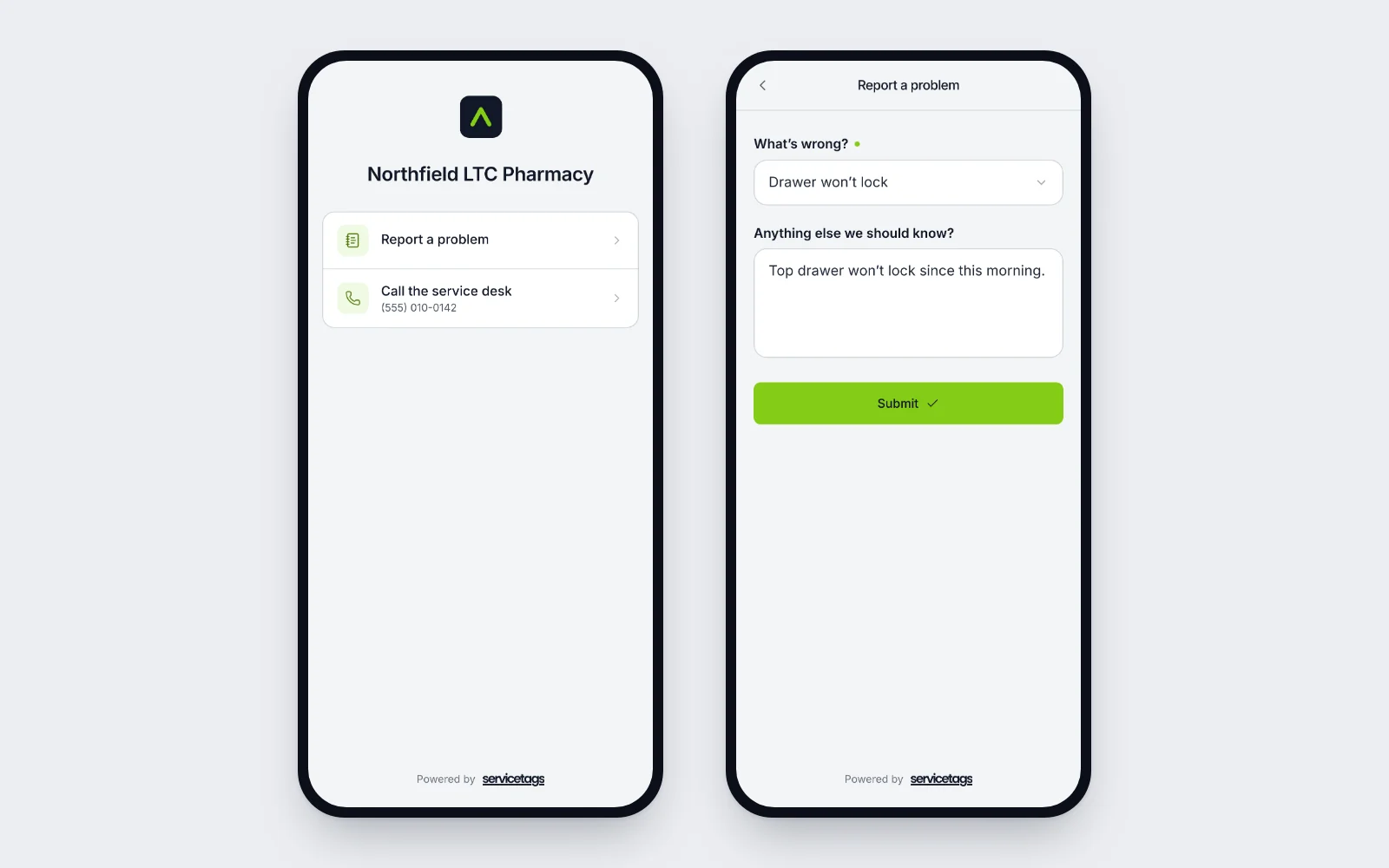
There’s nothing to learn. The tag says whose equipment it is and how to report a problem. Staff scan it with the phone camera they already use, pick what’s wrong and send it.
Our reps already handle this. Why change?
Keep them. A rep who hears about a broken cart on a visit files the request in the same queue a scan goes to, so it’s routed and tracked like any other. Pharmacy and office staff can do the same when a facility calls.
That’s how it runs at the pharmacy above: 38% of its requests come from its own reps and pharmacy staff, filed alongside the facility scans. What changes is that a rep’s request no longer lives in a text thread.
Is a scanned request faster than a phone call?
A call that reaches the right person is fast. The trouble is the calls that don’t: the voicemail at 2am, or the rep who forgets to pass it on. A scanned request reaches the team that covers that facility the moment it’s sent, and escalates if it sits.
We don’t have a before-and-after figure for phone calls. What we can show: at the same pharmacy, high-priority requests close in a median of 1.4 hours.
Questions
Do we have to stop taking phone calls?
No. Keep the phone line, the fax and the reps. Your staff can file a call or a fax as a request on the facility’s behalf, so it lands in the same queue as a scan.
What does a nurse need to report a problem?
A phone with a camera. They scan the tag, pick what’s wrong and send it. No app, no account, no password.
Can we keep an emergency route?
Yes. You can add an emergency form next to the regular request and send it by text to the people you choose, so an urgent problem doesn’t wait in an inbox.
How much does it cost?
From $500 a month, including your first 25 facilities, with unlimited users and requests. Tags are $2 each. You start with a 60-day pilot on 10 to 25 facilities for $1,000, setup included.
Route a test request with your own facilities.
Bring a list of the nursing homes you serve and how requests reach you today. On a 30-minute call we’ll map your teams to those facilities and send a test request end to end.